


Videos
Watch videos from Wood’s Powr-Grip to learn more about vacuum lifting equipment, handheld vacuum cups, mounting cups, replacement parts, product features, and maintenance procedures. Our video library includes demonstrations, instructional resources, repair guidance, product comparisons, company history, and information about technologies such as Intelli-Grip®, which helps monitor vacuum lifter performance through connected mobile app data.

Using the Integrated Counter-Balancer on the MRPT16
This video covers how to use the Integrated Counter-Balancer on the MRPT16 Vacuum Lifter.

When Finished Using Your MRPT16 Vacuum Lifter
This video covers how to power down and prepare the MRPT16 vacuum lifter for transport or storage.

Stopping the MRPT16 Load Motion In An Emergency
This video covers the Emergency Stop Buttons on the MRPT16 Vacuum Lifter.
Attaching, Releasing and Manipulating a Load with the MRPT16
This video covers: Correctly attaching to the load Safety lights and buzzers Rotating the load Tilting the load Releasing the load

Unpacking Your MRPT16 Vacuum Lifter
The video covers what steps to take to correctly unpack your MRPT16 Vacuum Lifter for use.

Setting Up Your MRPT16 Vacuum Lifter
This video covers: Adjustable Lift Shackle Hoist Equipment Requirements Pad Frame Configurations Telescoping Pad Arm and Vacuum Pad Adjustments Vacuum Pad Connectors Set Up Counter-Balancer Required Inspections and Tests Remote Control Emergency Disconnect Button Lifter Weight Setting
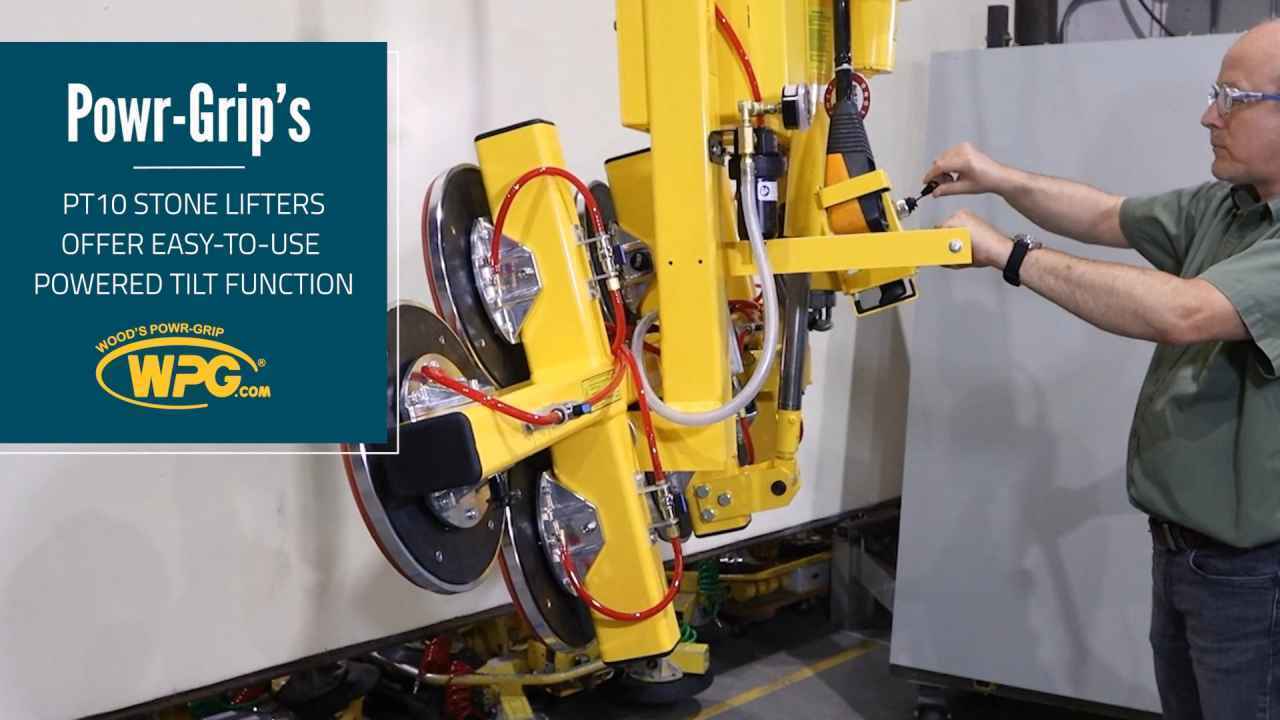
PT10 Powered Tilt Function
A popular choice for stone handling, Powr-Grip’s PT10 Series vacuum lifters allow you to handle loads up to 1,500 lbs (680 kg) with the convenience of effortless powered motion.Using the PT10’s powered tilt function is easy, too. When the load is in the upright position, just move the tilt toggle switch upward. This will move the load toward the flat position. From the flat position, move the tilt toggle switch downward and the load will move toward the upright position. Just let go of the switch to stop the load’s motion at any angle along the 90° tilt range—even when heavy loads are attached. This allows you to easily transfer loads from upright racks to horizontal processing machinery.Contact you WPG sales representative to learn more about PT Series lifters. View Product Page
Quick Connect Retrofit for MRT4 Vacuum Lifters
Quick Connect Retrofit Kit (#97467 ) for MRT4 Vacuum Lifter Installation Instructions
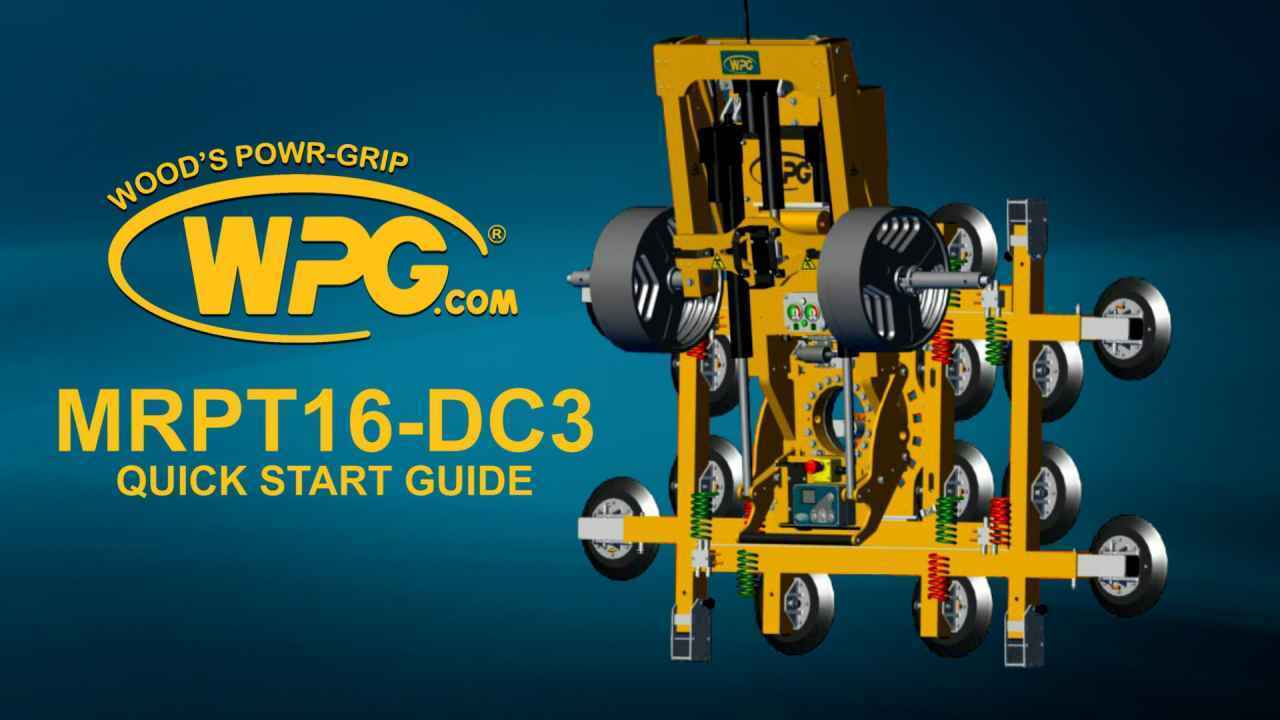
Powr-Grip's MRPT16-DC3 Instruction Guide
A brief overview on how to use your MRPT16-DC3 vacuum lifter.