


Videos
Watch videos from Wood’s Powr-Grip to learn more about vacuum lifting equipment, handheld vacuum cups, mounting cups, replacement parts, product features, and maintenance procedures. Our video library includes demonstrations, instructional resources, repair guidance, product comparisons, company history, and information about technologies such as Intelli-Grip®, which helps monitor vacuum lifter performance through connected mobile app data.
Intelli-Grip® Repair Kit: Replacing the Control Unit
One of 3 videos about installing and using the Intelli-Grip Repair Kit, this segment demonstrates the steps for removing a faulty Intelli-Grip® control unit (control head) and installing its replacement on a model MRT4-DC3 vacuum lifter. This kit can be used on other select DC3-powered models, too; consult the kit’s INSTALLATION INSTRUCTIONS manual (35098) for a list of models.Note: Although it contains content specific to the kit, this video also serves as a general guide for control unit replacement.
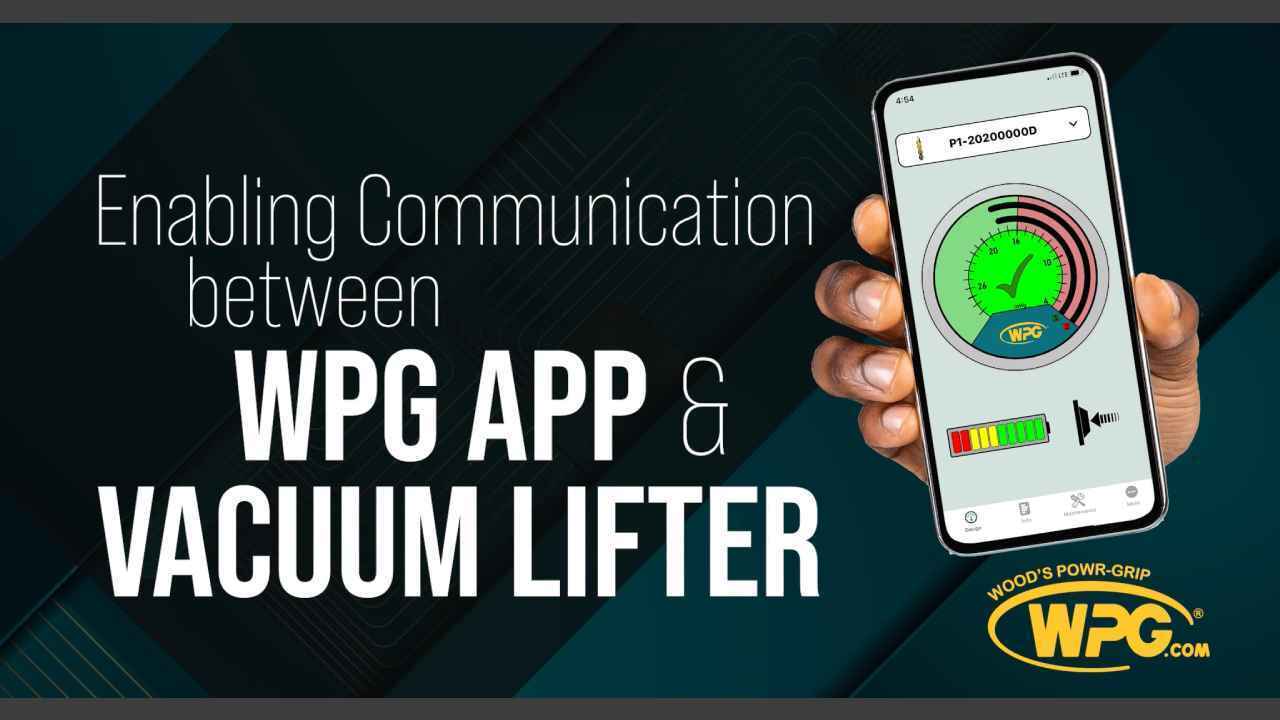
Enabling Communication Between Your WPG® Lifter and Intelli-Grip® App
Quick step-by-step instruction on how to get your WPG® Intelli-Grip lifter to communicate with your Intelli-Grip® App.
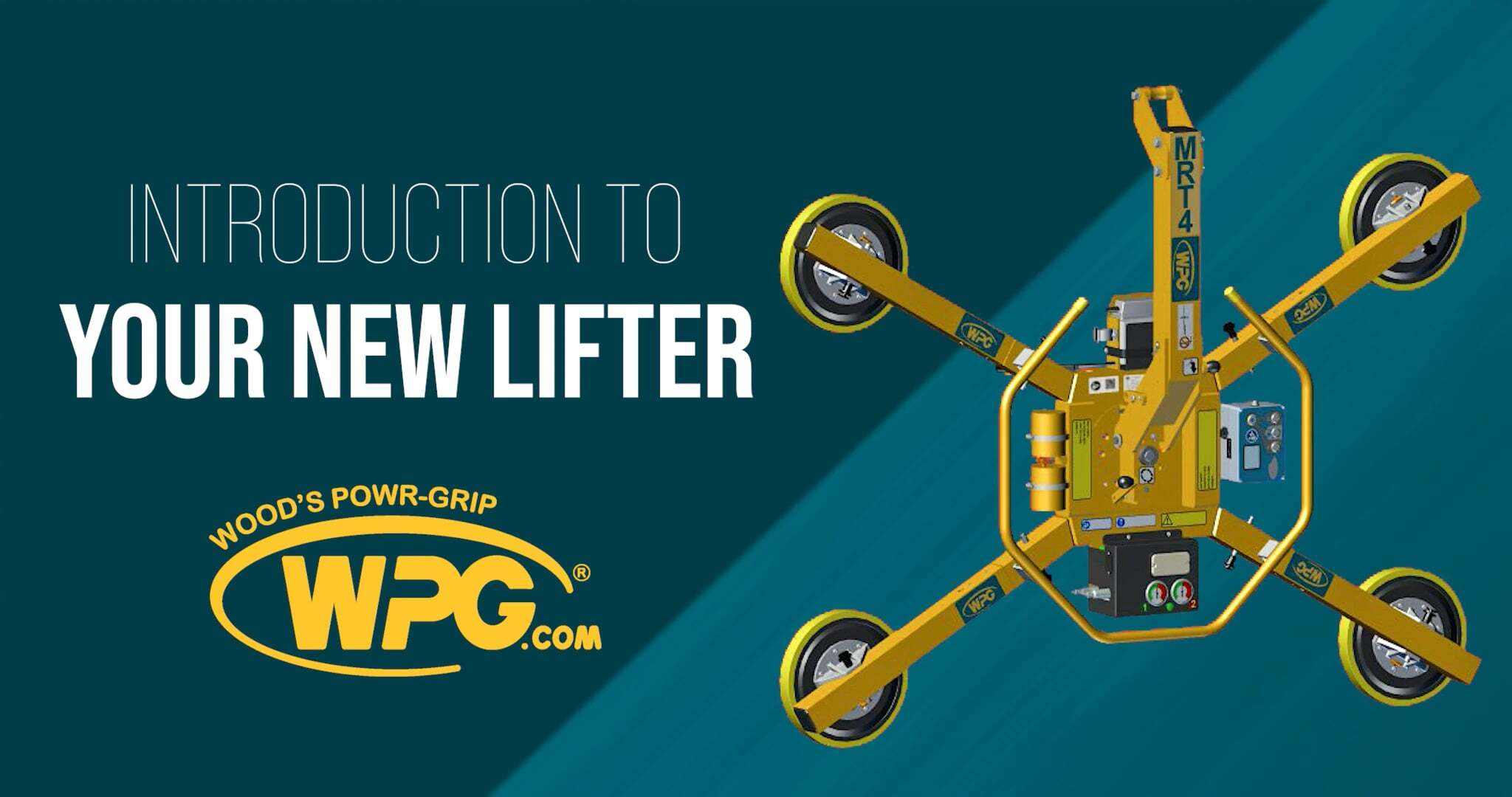
Introduction to Your New Vacuum Lifter
This video provides customers with some early guidance after they receive their new vacuum lifter. This includes: a first look at a new label that contains a QR code for accessing digital-only Operating Instructions and other documents, navigation of a lifter product page at WPG’s website, plus information about downloading the WPG App, and registering a lifter.
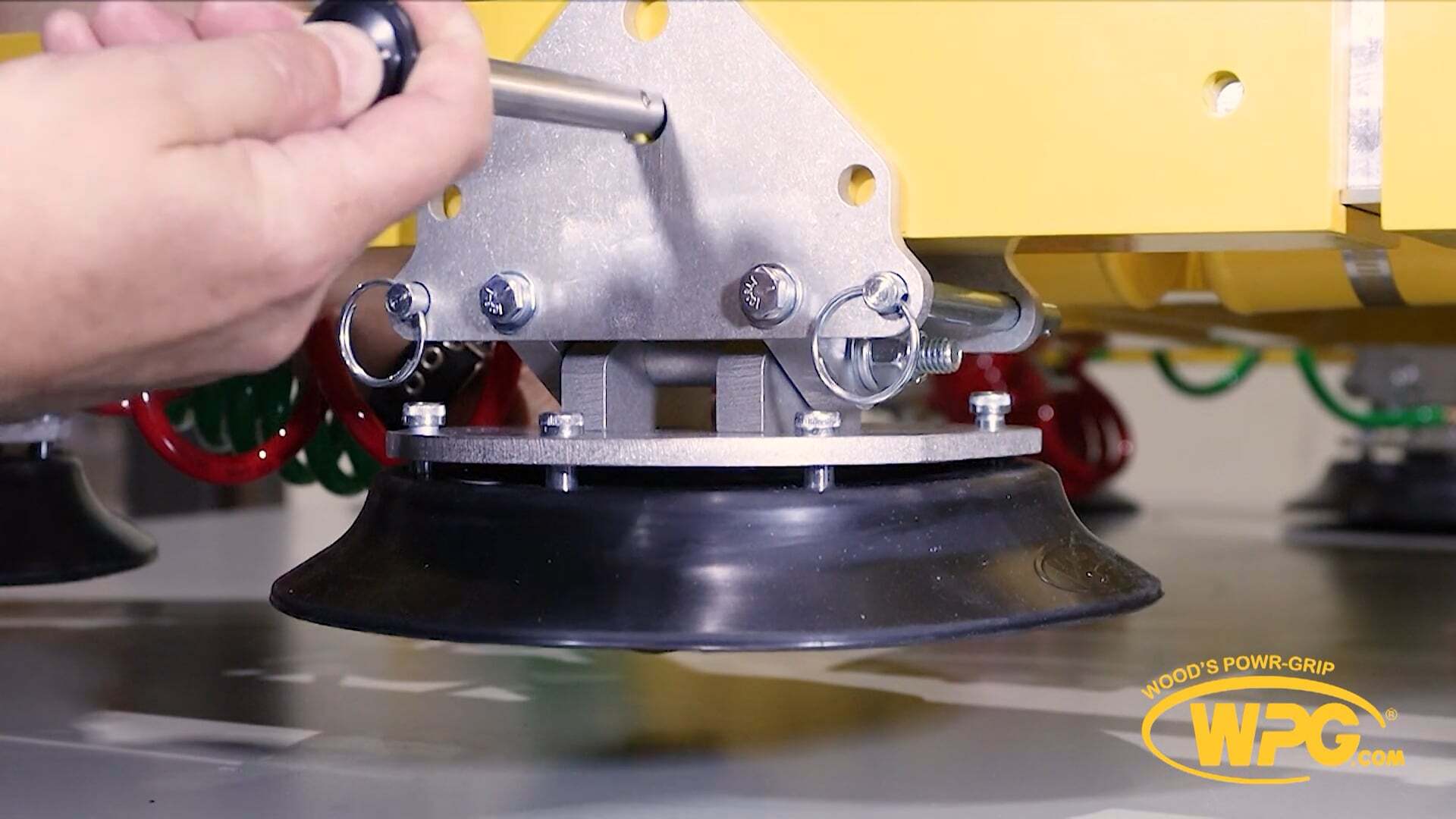
Changing the Offset of Pivoting Pad Mounts
Pivoting pad mounts enable vacuum lifters to handle windows with mullions or other materials with surface obstructions.

Using the P1 to Lift Flat Loads
Learn how to use the P1 Vacuum Lifter to lift flat loads! This safety video outlines best practices for safely lifting loads in the flat position using a Powr-Grip® P1 vacuum lifter (demonstrated with the P1-1104-DC model). While the demo uses a specific model, the guidance applies to all Powr-Grip® lifters with on-center tilt capability and tilt latches/locks. View Product Page
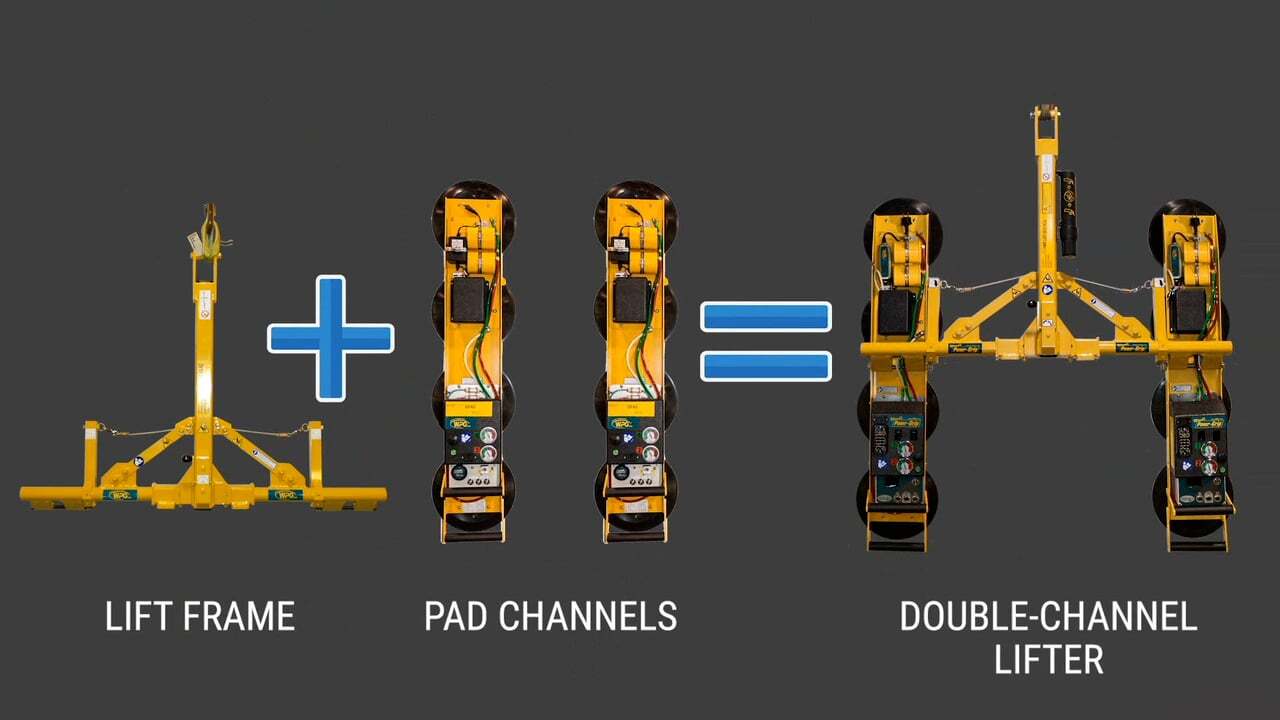
How to assemble a P2 Lifter
A P2 Channel Lifter is made by selecting a Lift Frame, and two Pad Channels.P2's have a larger pad spread and capacity than P1's, but are similar to operate and maintain.If you already have a P1, all you need to do is buy a P2 Lift Frame and another Pad Channel of the same type already on your P1. View Product Page
Curved-Load Adapter Kit Assembly
Installing the MRTA8-DC3 Curved-Glass Pad Frame Option #93720 View More
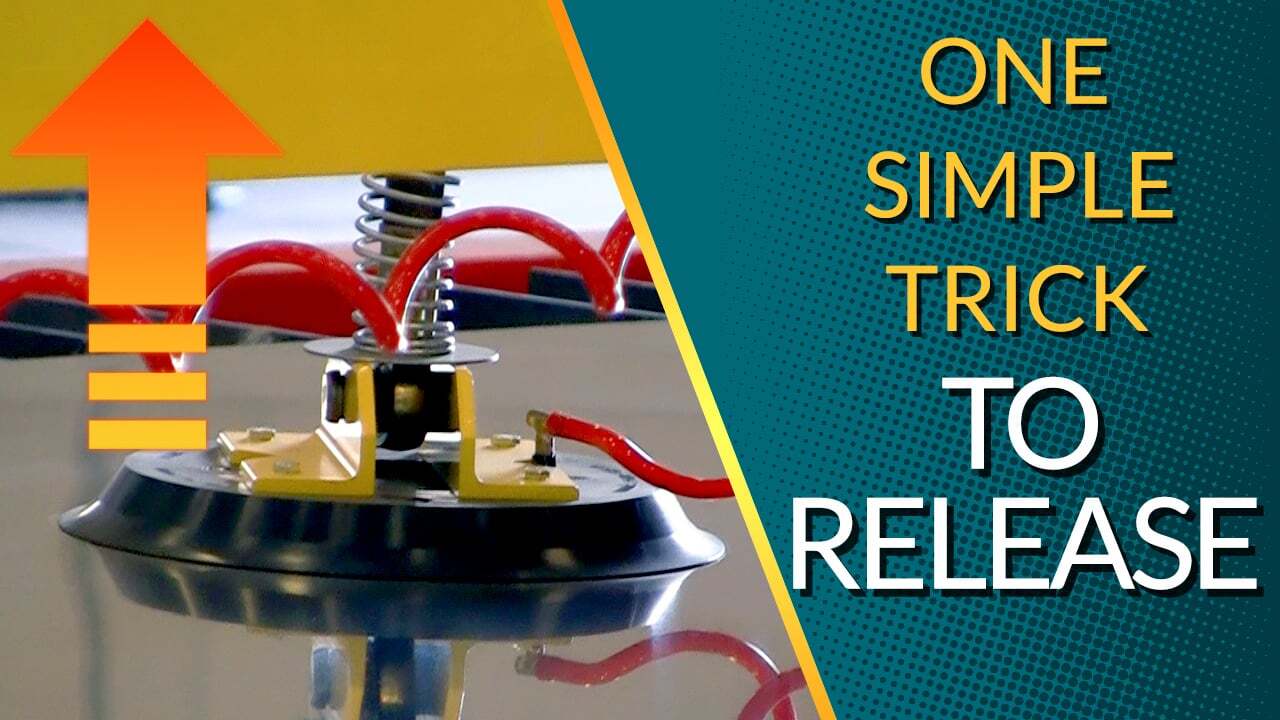
Lifter Won't Detach? Try This
Sometimes, when lifting loads in the flat position, suction cup lifters have trouble releasing. Here's the simple reason why, and how you can fix it!
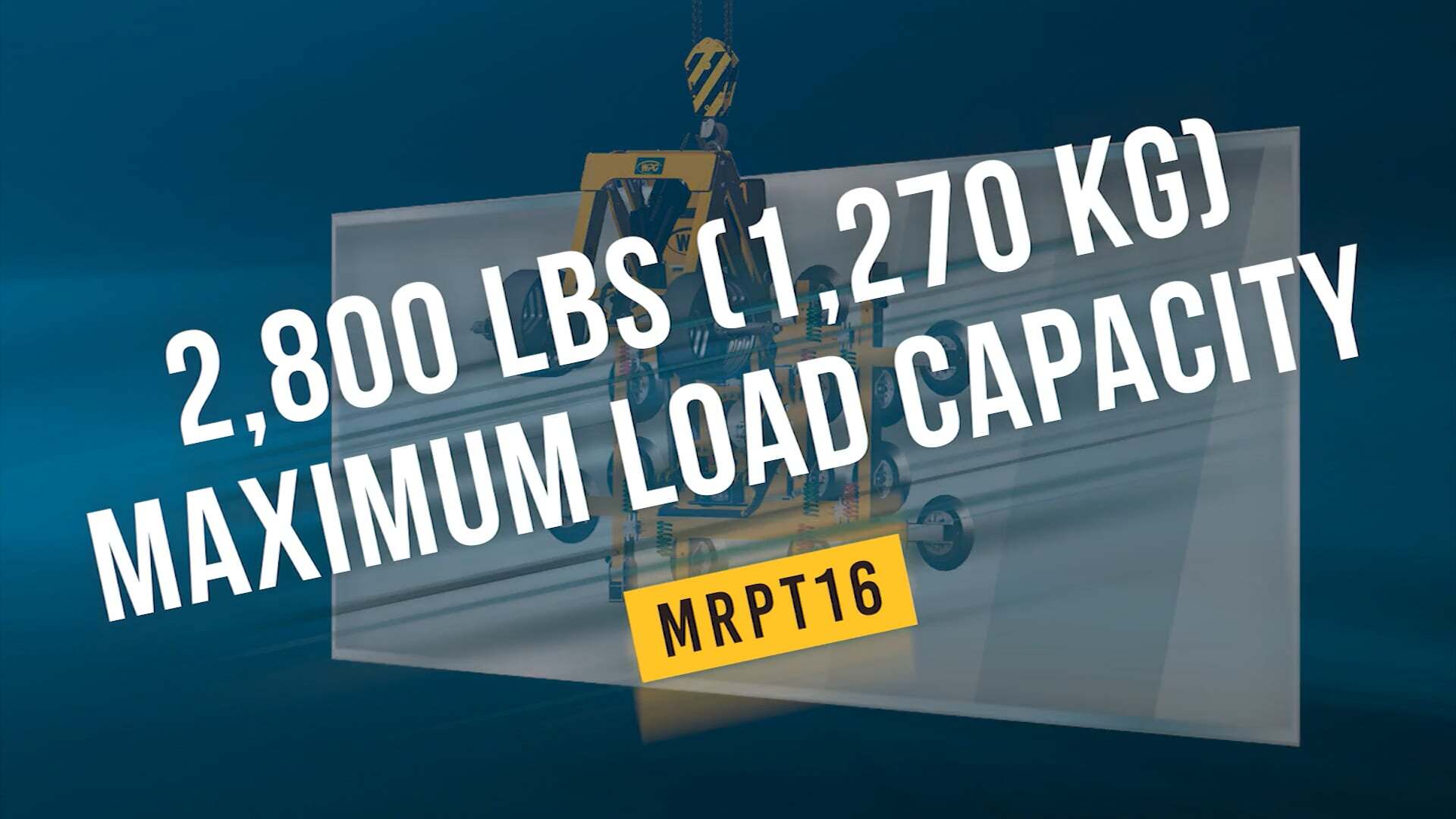
MRPT16-DC3 Features
With a standard capacity of 2,800 lbs (1,270 kg), remote control and optional integrated counter-balancer, this highly adaptable rotator-tilter makes it easy to install jumbo lites, curtainwall sections and much more! View Product Page